What a custom route does
A custom route grants access to one IPv4 host (/32) on one TCP port. A home can have up to three custom routes in addition to its Home Assistant route.
Examples include an NVR, a NAS administration page, a printer, or an OctoPrint box within the same home network.
Create a route
- Choose the home in the Portal.
- Enter the device's IPv4 address.
- Enter the specific TCP port for the service.
- Save it. The route joins that home's isolated network and its enrolled client devices can reach it.
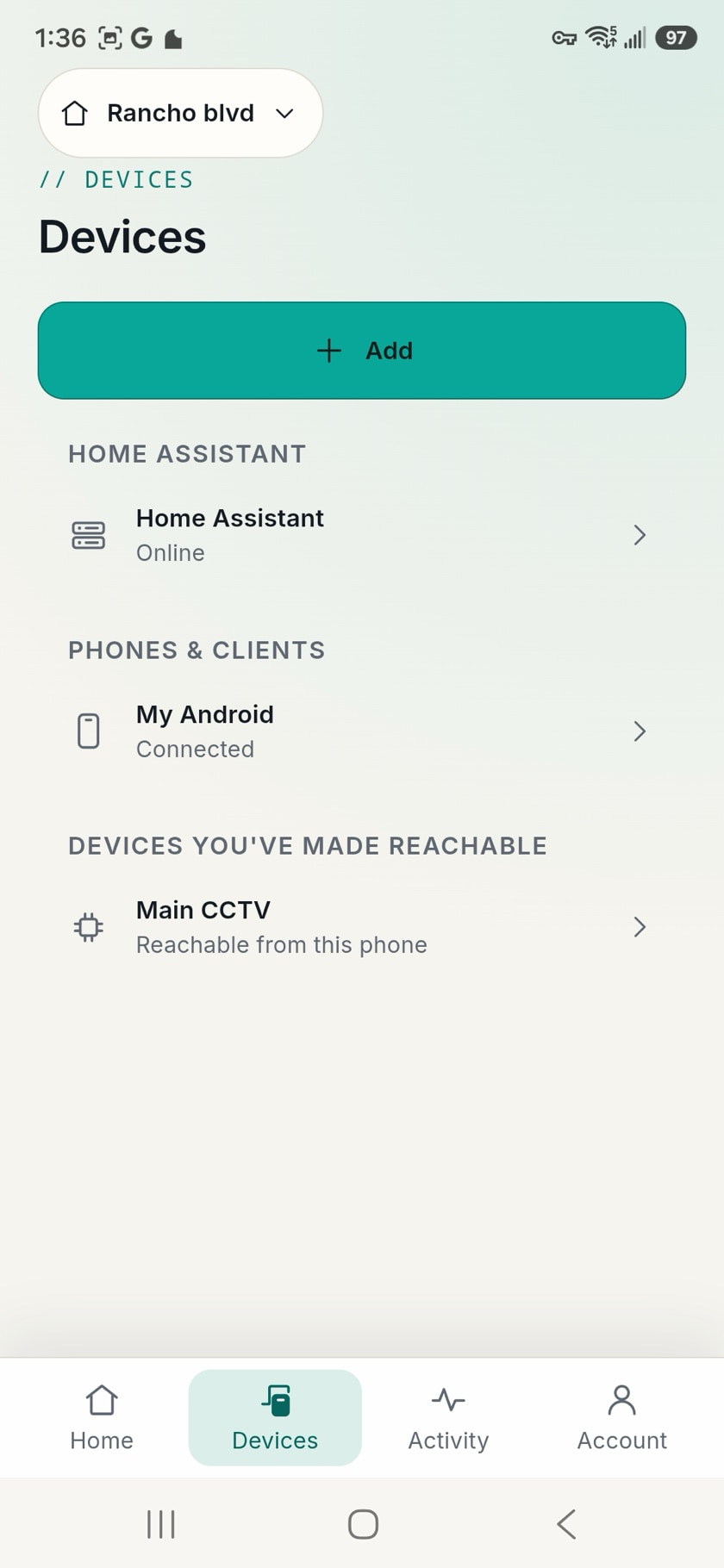
Who each route reaches
Routes belong to the home, not to individual devices: every client device enrolled in a home receives that home's Home Assistant route and its custom routes. Switch between homes below to see how each one carries its own devices, its own Home Assistant, and its own IoT routes.
Route distribution · three homes, one account
What it deliberately does not do
A custom route does not expose a subnet, provide general LAN access, or create cross-home routing. It exposes the device and port you choose.