What you need
- A HomeTunnel™ account and an active plan. Both plans start with a 14-day free trial on monthly billing.
- A Home Assistant OS or Home Assistant Supervised instance in each home.
- A phone or laptop to enroll as a client device.
Set up your first home
- Create a home in the Portal.
- In Home Assistant, add the HomeTunnel add-on repository and install the add-on.
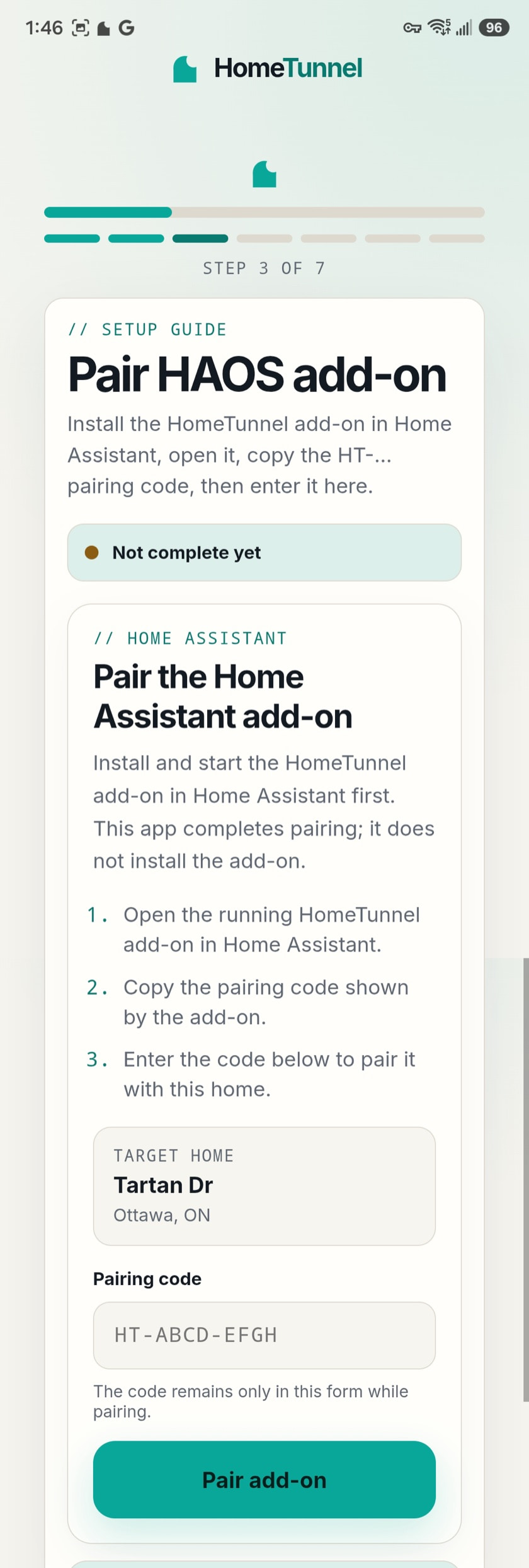
- Open the add-on and copy its time-limited pairing code.
- Enter or confirm that code in the Portal for the home you own. The Portal provisions the home's isolated network and the add-on joins using a short-lived, single-use setup key.
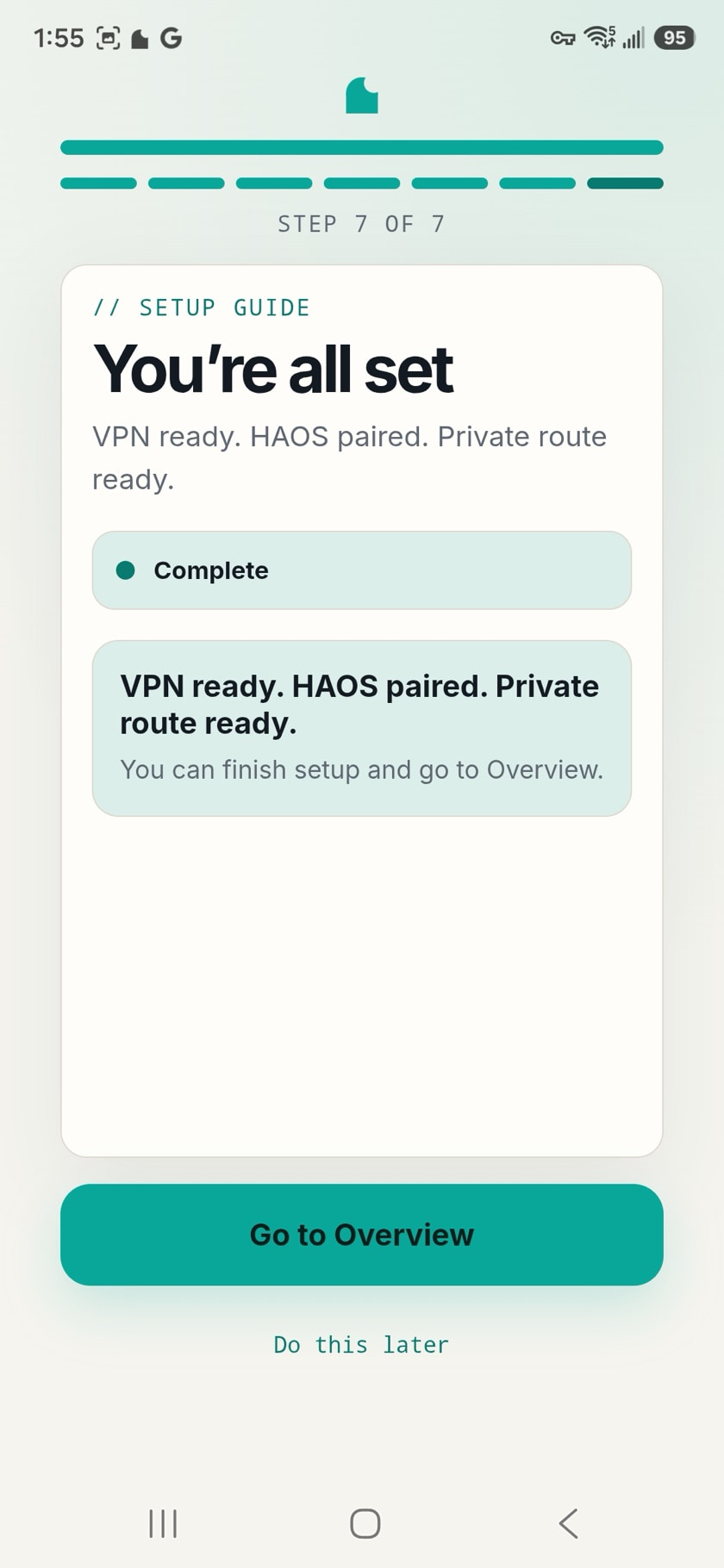
- Enroll your phone or laptop for that home. It receives that home's routes, and only that home's.
- Optionally add routes for specific IoT devices using an IPv4 address and TCP port.
No port forwarding, router changes, or DNS records are required.