Supported Home Assistant installations
Home Assistant add-ons require Home Assistant OS or Home Assistant Supervised. Home Assistant Container and Home Assistant Core installations cannot run add-ons.
This includes Home Assistant Green, Yellow, Raspberry Pi and other single-board computers running HAOS, ODROID, generic x86-64 boxes or NUCs, and HAOS virtual machines.
Install and pair
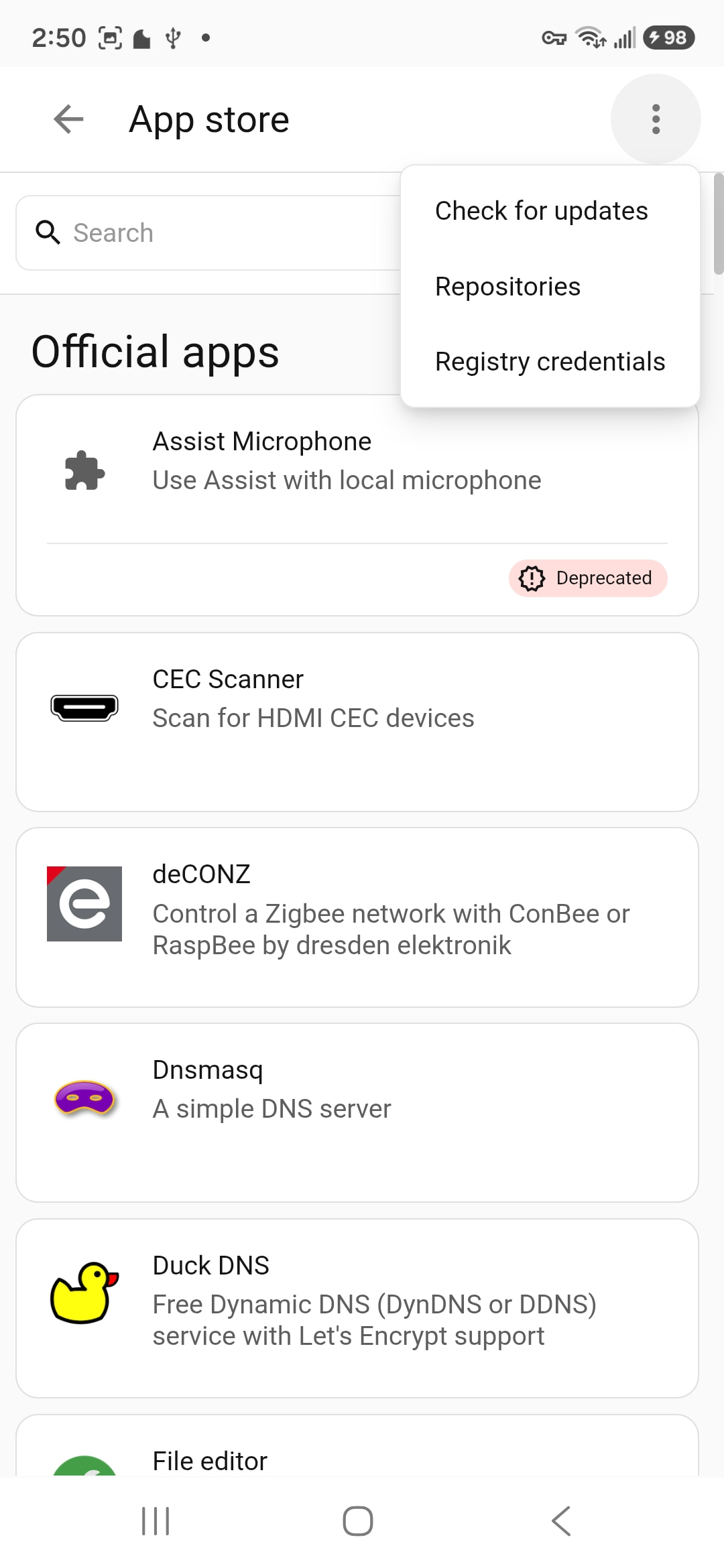
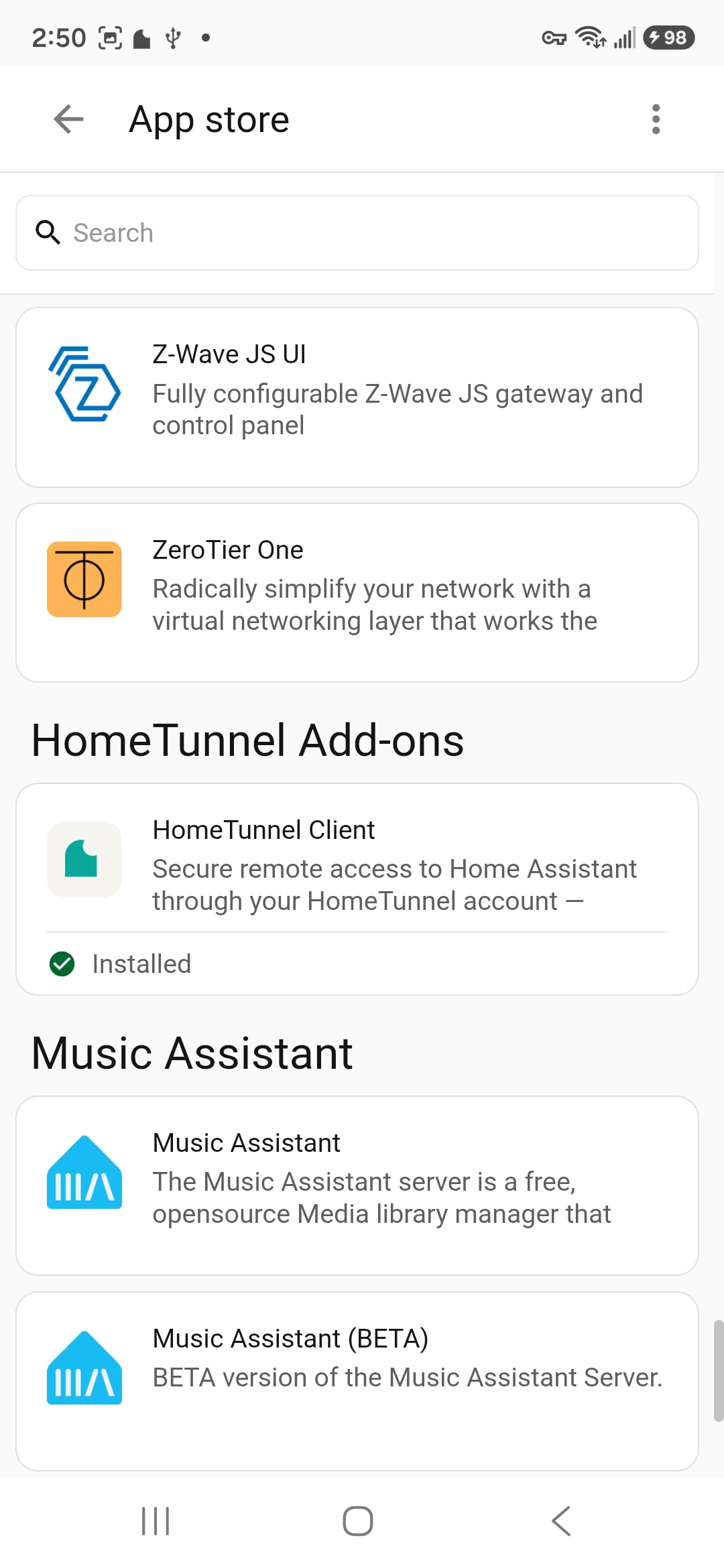
- Open Settings → Add-ons → Add-on Store.
- Open the ⋮ menu, choose Repositories, and add https://github.com/HomeTunnel/ht-home-assistant-addon.
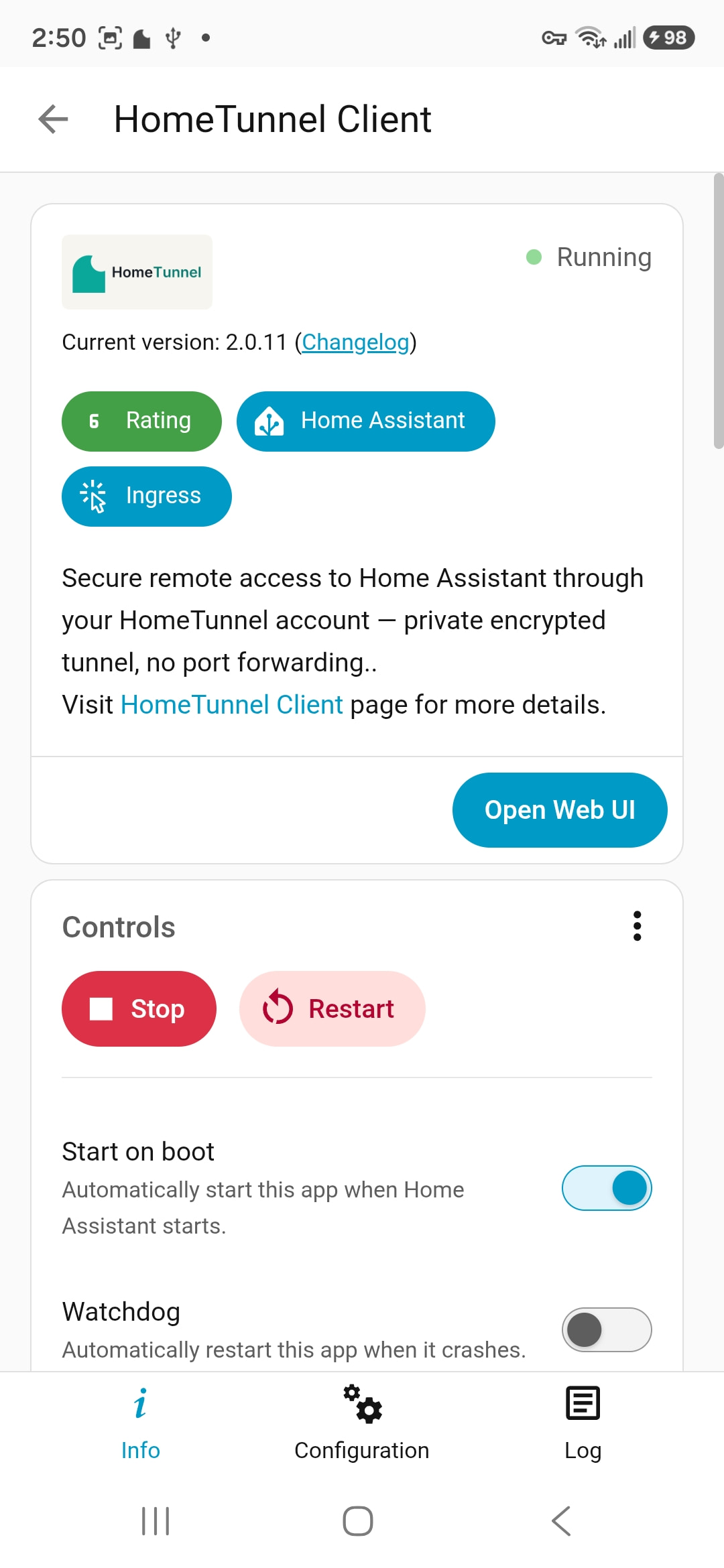
- Install HomeTunnel™ from the add-on store and start it.
- Copy the time-limited pairing code shown by the add-on.
- In the Portal, open the home you own and enter or confirm the code.
Use one HAOS or Supervised routing device per home. The Portal provisions the isolated network automatically and gives the add-on a short-lived setup key; the add-on does not hold NetBird administrator credentials.