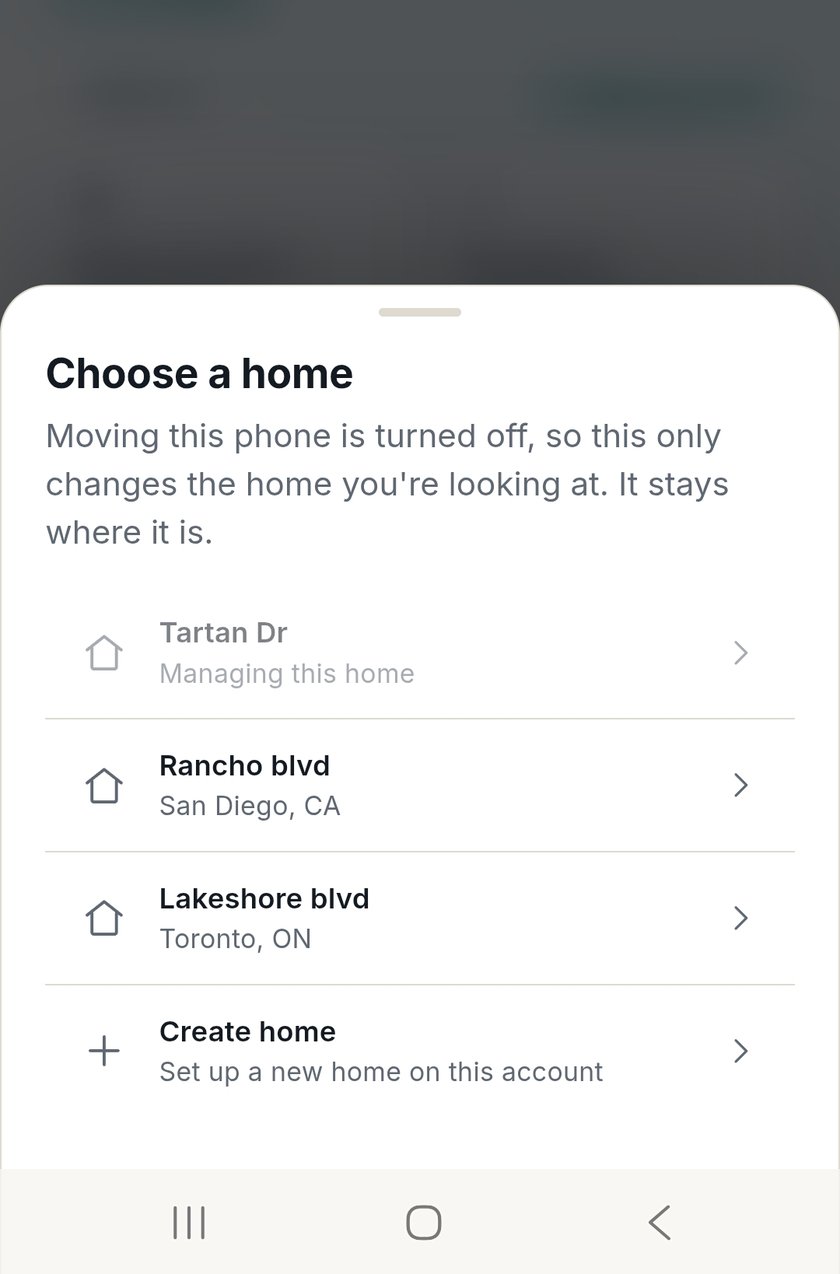
Connect on the go
Enroll your phone as a client device for a home, connect peer-to-peer, and open Home Assistant over the secure tunnel.
- Sign in to the HomeTunnel™ app.
- Select a home you own and enroll the phone as its client device.
- Connect, then open Home Assistant through the assigned route.
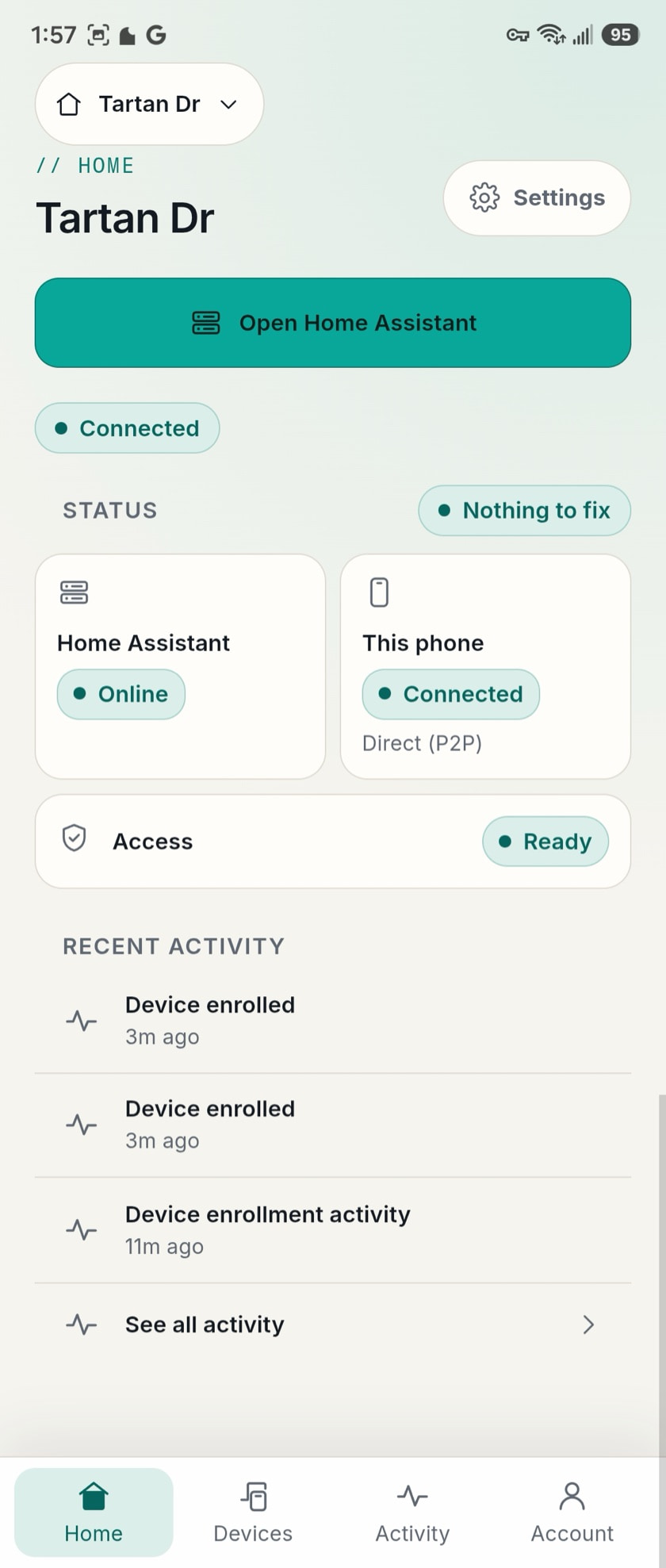
Switch homes
Multi-home users can switch which home the device is connected to. A client device belongs to one home at a time; the Portal orchestrates the move server-side.