Can I access Home Assistant remotely from an iPhone?
Yes. Enroll the iPhone as a client device for one of your homes in the HomeTunnel app, connect, and open Home Assistant over the tunnel — either in the Home Assistant app or in a browser.
Nothing is published publicly to make this work: the connection is an encrypted WireGuard path to that home, not a public URL for your Home Assistant.
Can I access Home Assistant remotely from an Android phone?
Yes, and the model is identical to iPhone. Sign in, enroll the phone in a home, connect, and open Home Assistant through the home's route.
The same applies to switching homes, to what the phone can reach, and to revoking the device later.
Can I use one phone with multiple Home Assistant homes?
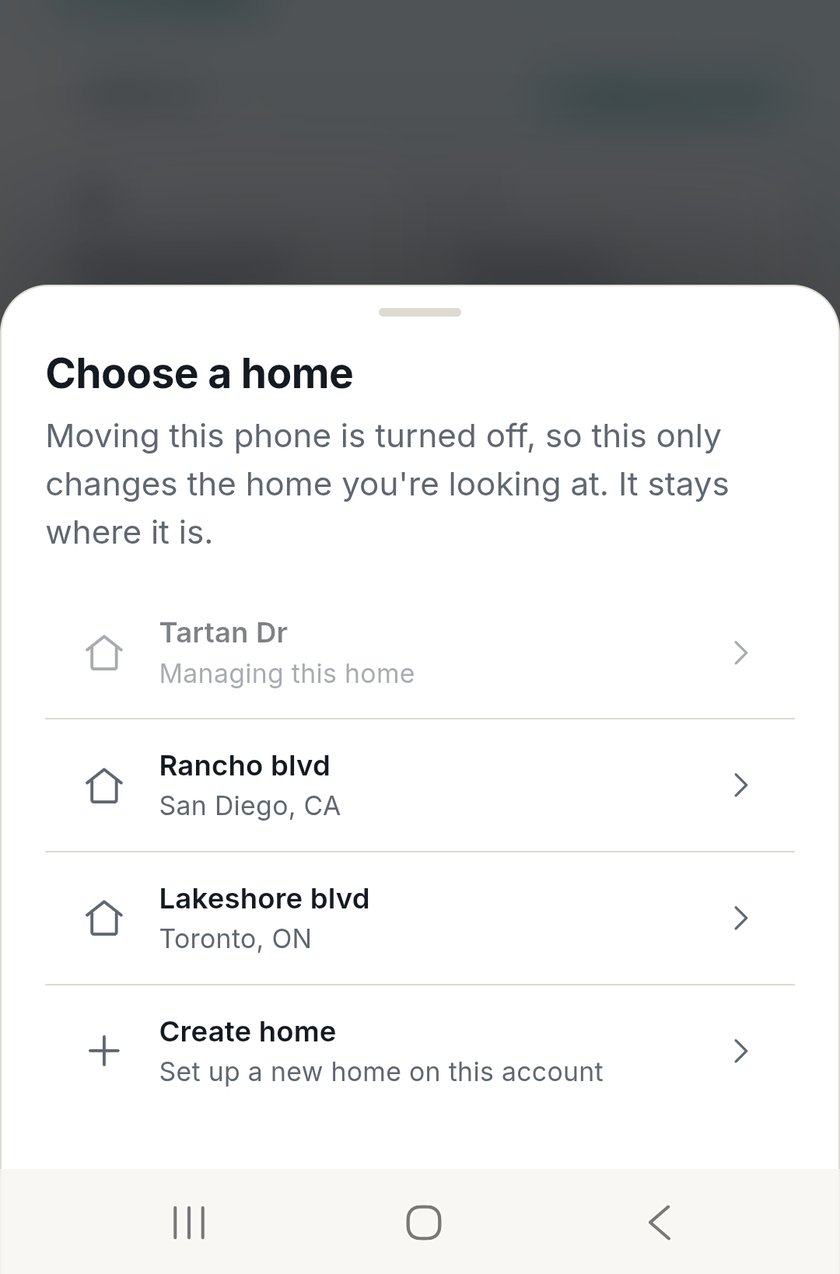
Yes, one at a time. A client device belongs to a single home, and the app switches which home it is connected to.
The Portal orchestrates that switch server-side and it fails closed, so the phone is never active in two homes at once. Afterwards it carries the new home's routes and its access to the previous home has been removed.
What can my phone reach once it is connected?
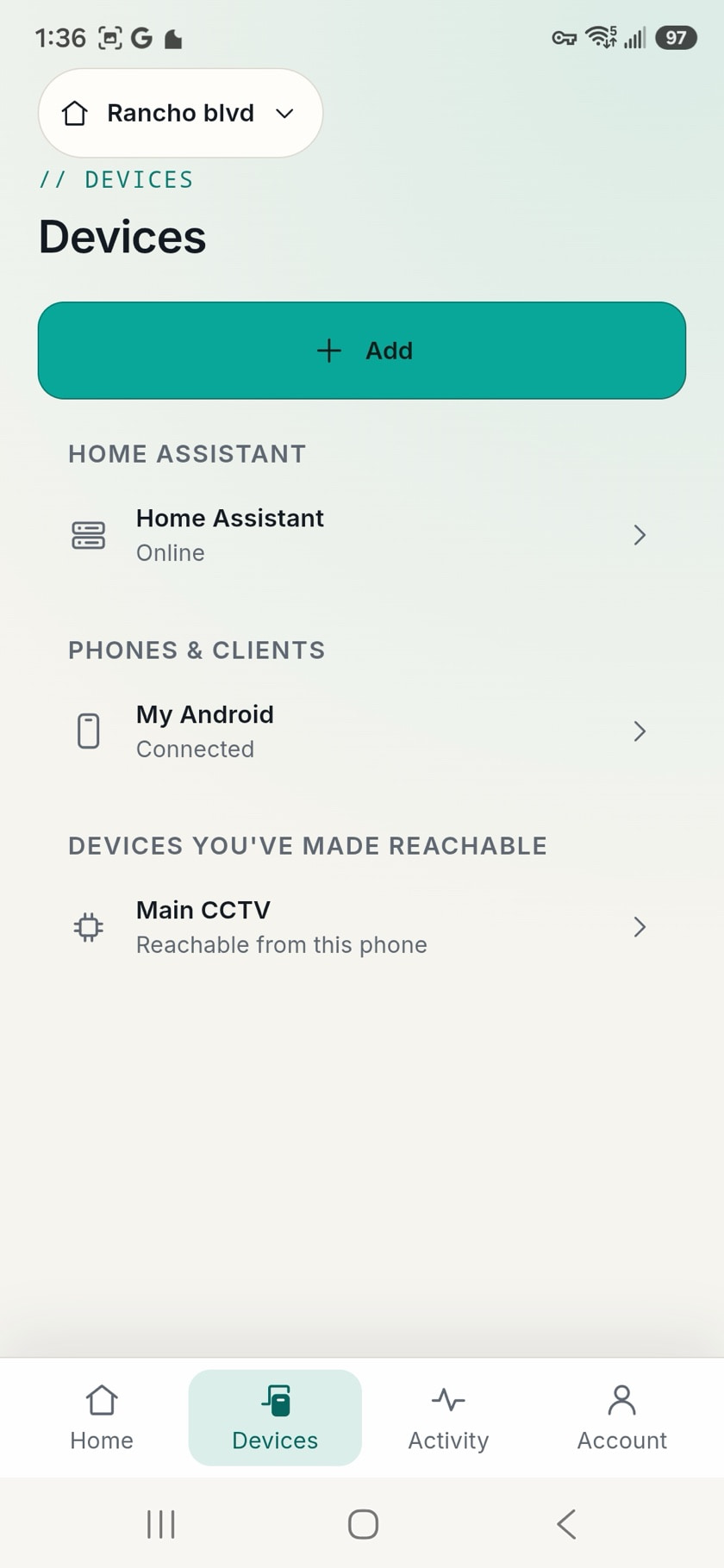
The routes belonging to the home it is enrolled in: that home's Home Assistant on TCP 8123, plus any custom routes the home publishes — each one a single IPv4 host on a single TCP port, up to three per home.
It cannot reach the rest of that home's LAN, and it cannot reach anything in any other home on the account.
How do I know whether the connection is direct or relayed?
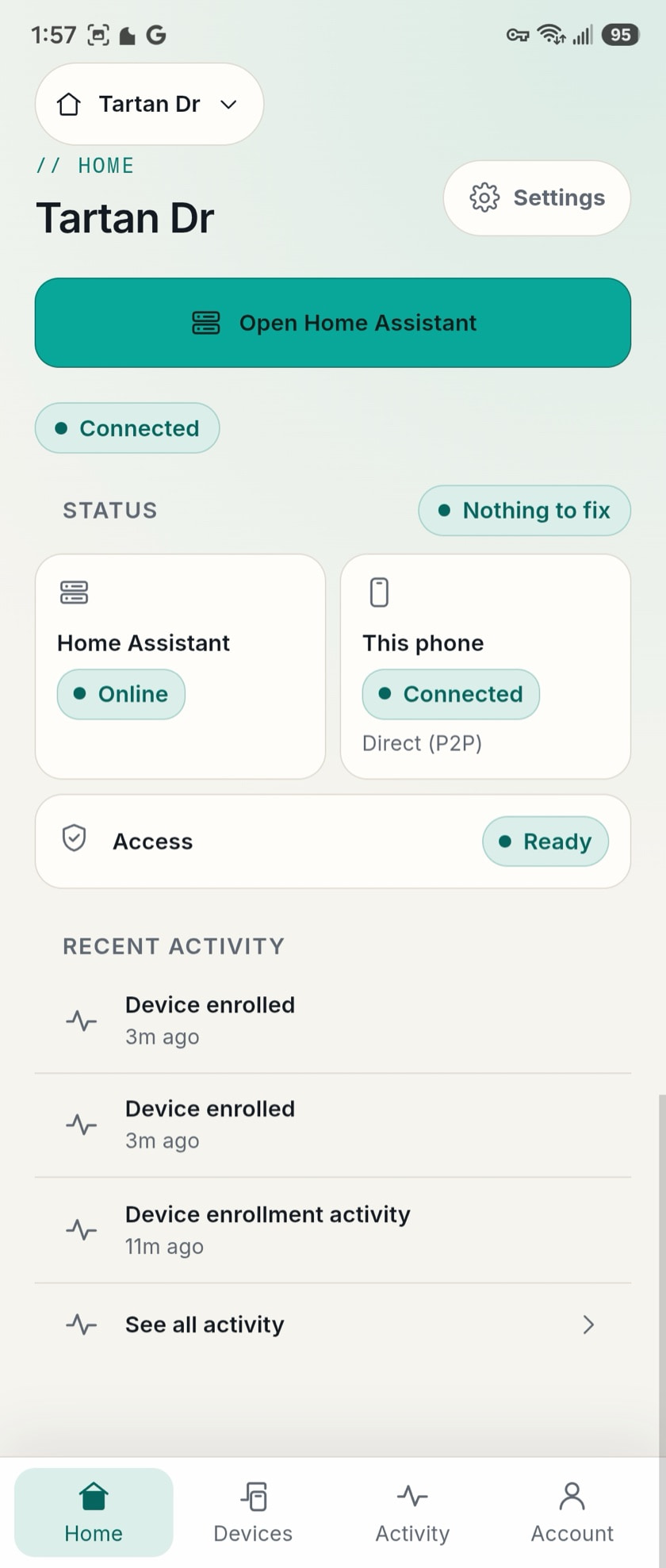
The home view in the app reports the current path before you open anything, so a direct peer-to-peer connection is distinguishable from a relayed one.
Both are end-to-end WireGuard-encrypted. On the relayed path, the open-source NetBird relay forwards packets it cannot decrypt.
Which app opens Home Assistant — yours or the Home Assistant app?
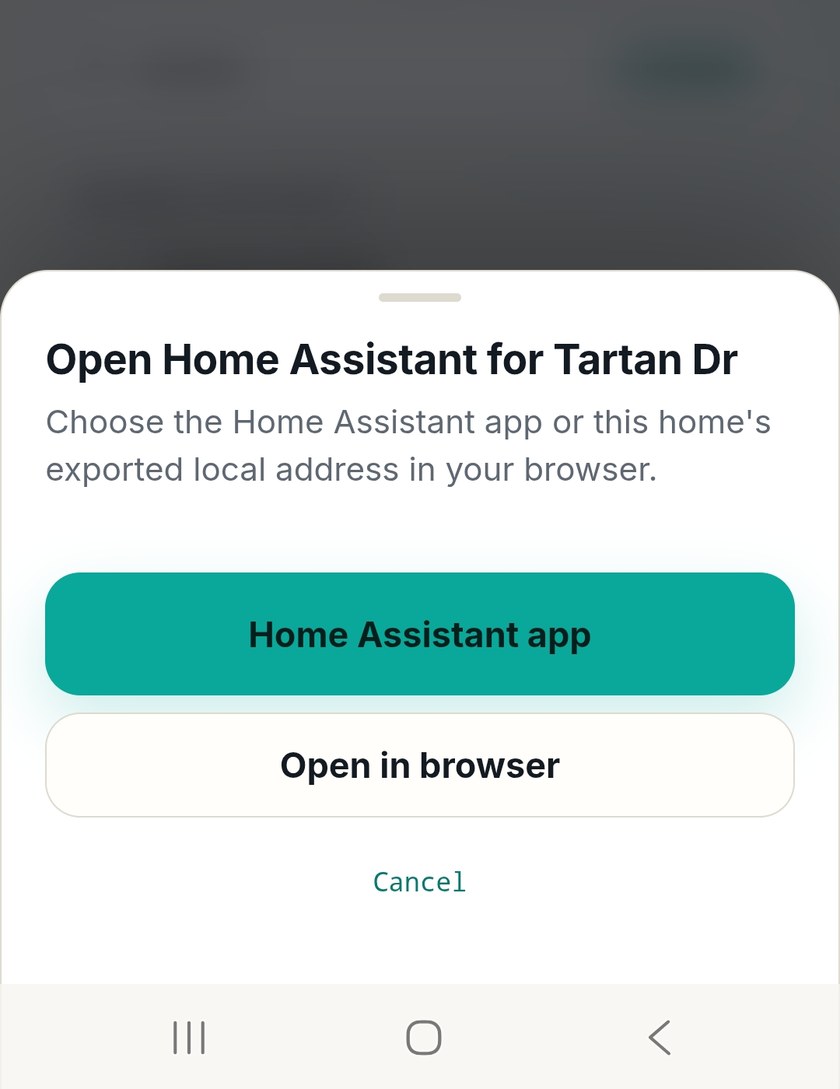
Either. When you open Home Assistant from the HomeTunnel app it offers the Home Assistant app or a browser, and the traffic goes over the tunnel in both cases.
Can I buy or manage a subscription in the app?
No. Subscriptions are activated and managed only in the HomeTunnel web app at my.hometunnel.io — starting a subscription, changing plan, reviewing billing status, and the available billing-management options.
Purchases are not available through the iOS or Android apps.
What happens if I lose my phone?
Sign in to the HomeTunnel web app at my.hometunnel.io and revoke that phone. Revoking the device removes its network access to your homes.
Do I need to configure anything on the phone's network?
No. The phone makes outbound connections, so it works from mobile data, a hotel network, or a friend's Wi-Fi without any configuration on that network, and without a port-forward rule at home.
Restrictive networks may prevent a direct peer-to-peer path, in which case the connection uses the encrypted relay instead.