A second property
A cottage, cabin, or apartment with its own Home Assistant for heating, water-leak sensors, and cameras — and nobody there most weeks to notice when something stops reporting.
You can use Home Assistant in more than one home. Separate properties commonly run separate installations, called instances: one at your house, another at a cottage, rental, or parent’s home. Each instance needs its own remote connection and keeps its own configuration and Home Assistant logins.
HomeTunnel is the layer above them: each property is a separate home on one account, with its own isolated network, its own explicitly configured routes, and its own enrolled devices. Connections are peer-to-peer first over WireGuard, with an end-to-end encrypted relay fallback when a direct path is not available.
Yes. An instance is a separate Home Assistant installation; a home is the property where it runs. The Home Assistant Companion app already lets you add multiple servers and switch between them. Each server still needs a connection that works when you are away from its local network.
HomeTunnel provides that secure remote connection for multiple Home Assistant homes, with separate networks and a shared view of home and device status. Your instances keep their own entities, dashboards, automations, and accounts; HomeTunnel does not merge or synchronize them.
For phone setup, read about adding multiple servers in the Companion app.
Start with a HomeTunnel account and a supported Home Assistant OS installation at each property. The routing device must be able to run the HomeTunnel add-on; Home Assistant Container installations cannot run it.
One client reaches one home at a time. Managing several homes on the account does not connect their networks or give that client simultaneous access to them.
Almost nobody sets out to run several instances. A second address turns up, and the instance follows it.
A cottage, cabin, or apartment with its own Home Assistant for heating, water-leak sensors, and cameras — and nobody there most weeks to notice when something stops reporting.
Somewhere you arrive a few times a year and want warm, dry, and lit before you get there, with the ability to check it from the other side of the country in between.
A parent or grandparent whose Home Assistant you set up and now quietly maintain. You need to reach it to fix an automation, not to browse their network.
Short-term or long-term units, each with its own instance, its own locks, and its own sensors. Guests and tenants come and go; the installation stays.
Several addresses that are not yours but are your responsibility. Each one should stay a separate boundary — a problem at one address should not become access to another.
A production instance, a test instance, a garage or workshop instance. Separate installs that you would rather not merge into one, and would rather not expose either.
None of these are Home Assistant’s fault. They are what happens when a single-home design is repeated at several addresses.
The Companion app can save several servers, but each instance still has its own users, dashboards, automations, and remote connection to maintain.
Whatever you chose for the first house has to be repeated at the second: another subscription, another port-forward rule and DNS name, or another VPN server and set of peers.
Two homes very often share a LAN range. Route both into the same VPN and the addresses collide, which is usually the point where people start renumbering a network they did not want to touch.
A certificate renews at one address and not the other. A router firmware update drops a forwarding rule. The failure is silent until you need the house.
With one house you notice. With four, the instance you have not opened in a month is the one with a dead SD card, and you find out on arrival.
A VPN configured for broad LAN access can expose a relative's printer, work laptop, and NAS alongside Home Assistant. Restricting that access takes explicit routes and firewall policies at each home.
A home is the boundary HomeTunnel is built around. For each one, the Portal creates and reconciles an isolated set of NetBird resources — groups, access policies, routes, and route distribution — scoped to that home and its owner.
No cross-home routes are provisioned. A client device enrolled in one home receives that home’s routes and nothing else, which is also why two homes can run identical private IP ranges without colliding.
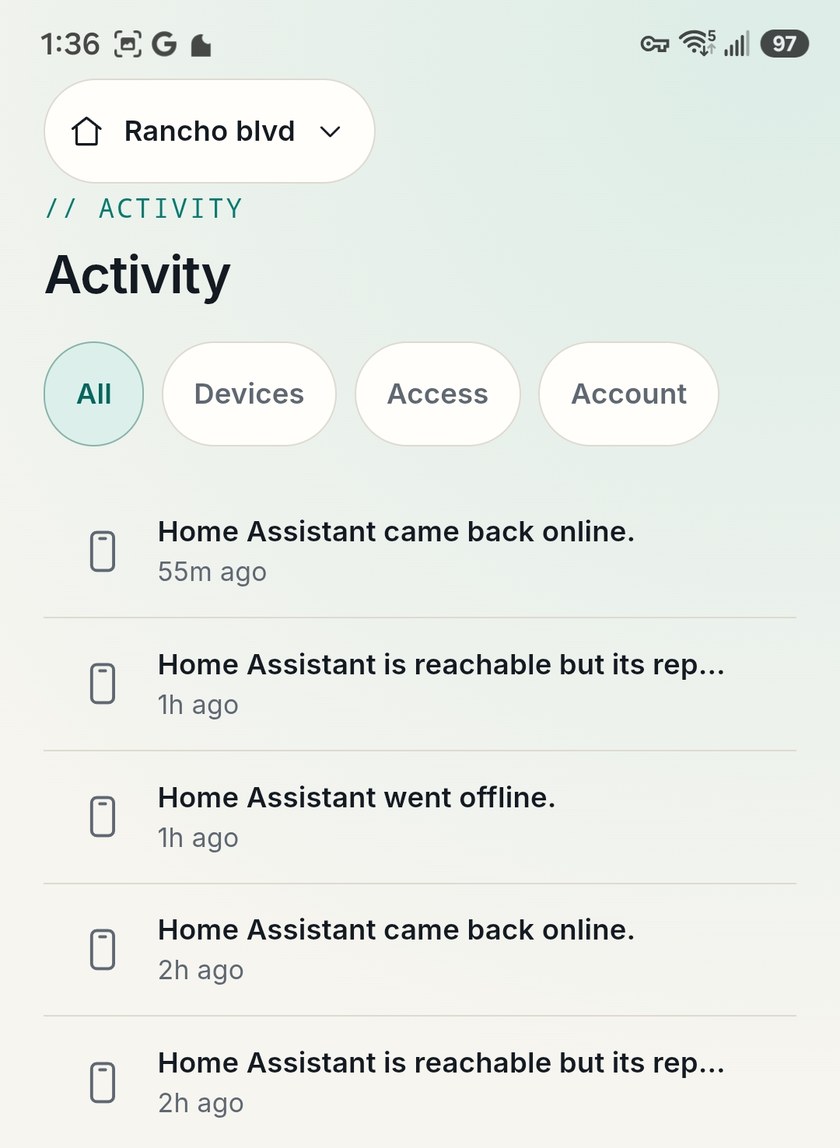
The point of putting several homes on one account is not only connectivity. It is knowing the state of an address you are not standing in.
Your device and the home’s routing add-on negotiate a direct WireGuard path using NAT traversal whenever the networks allow it. WireGuard private keys are generated on your devices and are not transmitted to HomeTunnel.
When carrier-grade NAT or a restrictive firewall blocks a direct path, packets are forwarded through the open-source NetBird relay. They stay end-to-end WireGuard-encrypted and the relay cannot read them.
Each home’s Home Assistant is reached on its own IPv4 host over TCP 8123. Beside it, a home can publish up to three custom routes, each naming a single IPv4 address and a single TCP port.
There is no subnet option, so there is no broad LAN access to hand out — at your own address or at anyone else’s. Remove a route and exactly one service goes away.
A conventional remote-access VPN works well for one house. The comparison below is about what changes when there are three.
A fuller version of this comparison, including what HomeTunnel keeps from WireGuard and what it deliberately changes, is in A VPN for Home Assistant.
Home Assistant at both addresses, your phone enrolled in whichever one you are thinking about, and an offline alert from the cottage in February while you are at home. The cottage also publishes its dock camera on a custom route, so you can look at the water without putting a camera on the internet.
Your own instance, your parents' instance, and a rental unit. Each is a separate home with its own isolated network, so the phone you use to fix your mother's thermostat automation cannot see anything else on her LAN — only her Home Assistant, on its own route.
Five addresses, five isolated homes, five independent sets of routes. Enrollment and removal happen per home from the Portal, and an incident at one property stays at that property: no cross-home routes exist to follow.
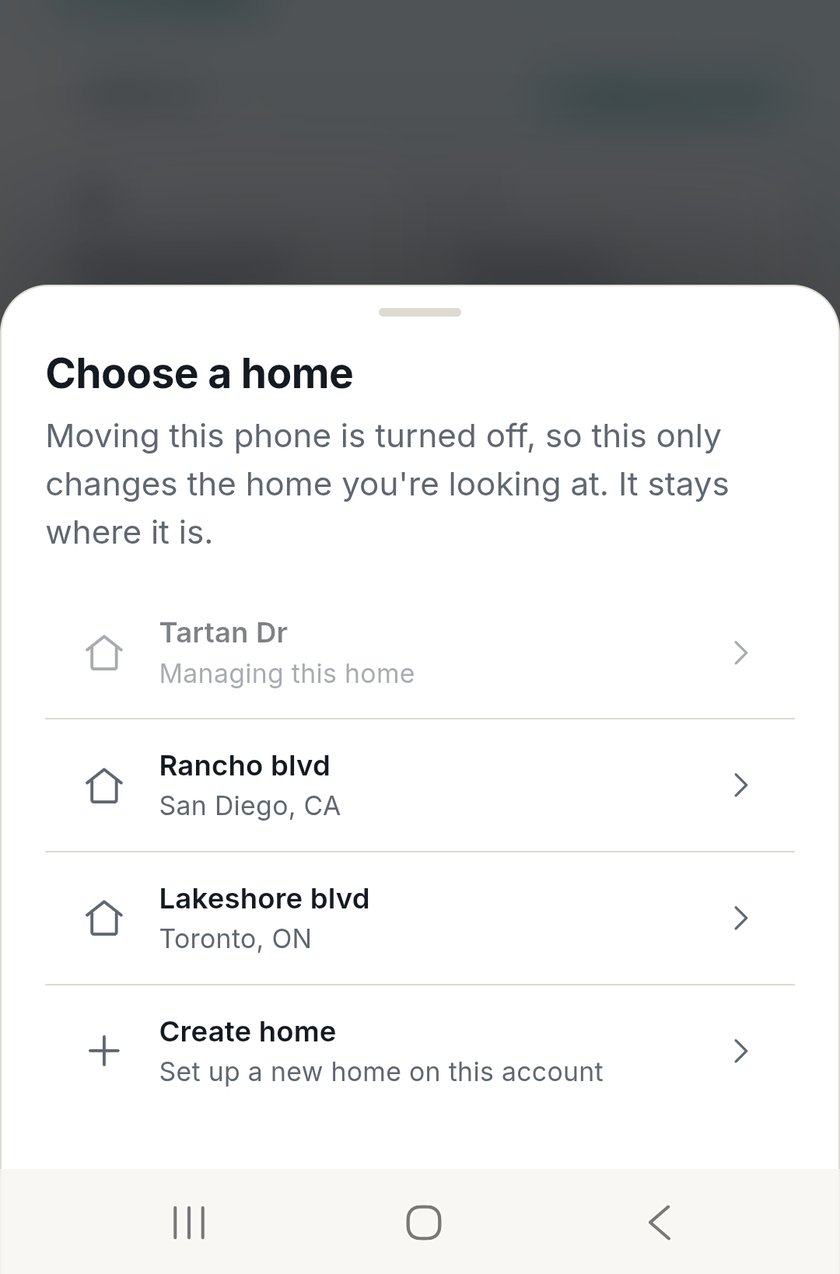
Client devices — a phone, a laptop — are enrolled in a home and receive that home’s routes. When you need the other property, the app switches which home the device is connected to. The Portal orchestrates that move server-side and it fails closed, so a device is never active in two homes at once; afterwards it holds the new home’s routes and its access to the previous home has been removed.
The Home Assistant OS or Supervised instance inside a home is the exception: it is paired to that home and is not movable, because it is the device responsible for that home’s routes.
Home Assistant on iPhone and Android · Moving devices between homes, step by step
Then this page is probably not for you. The official Nabu Casa Home Assistant Cloud is the best turnkey choice for a single home: it includes voice-assistant integrations, and subscriptions directly fund Home Assistant development.
HomeTunnel is built for the case where there are several properties to keep separate and manage together. If you reach that point later, the homes are added one at a time.
Family covers up to 3 homes at $9 USD/month or $90 USD/year. Manager covers up to 5 homes at $14 USD/month or $140 USD/year. Each home includes one Home Assistant device, three custom IoT routes, and unlimited client devices, with per-home isolation, offline email alerts, device moves, and the iOS, Android, and Home Assistant add-on clients.
Monthly billing starts with a 14-day free trial. A payment card is required to start it, one trial is permitted per account, and cancelling before day 14 means no charge.
A single Home Assistant instance is designed around one installation. Running Home Assistant at several properties normally means several independent instances, each with its own configuration and its own way in from outside.
HomeTunnel is the layer above those instances: one account that holds each property as a separate home, with its own isolated network, its own routes, and its own enrolled client devices. The instances stay independent — what becomes shared is the management and the access.
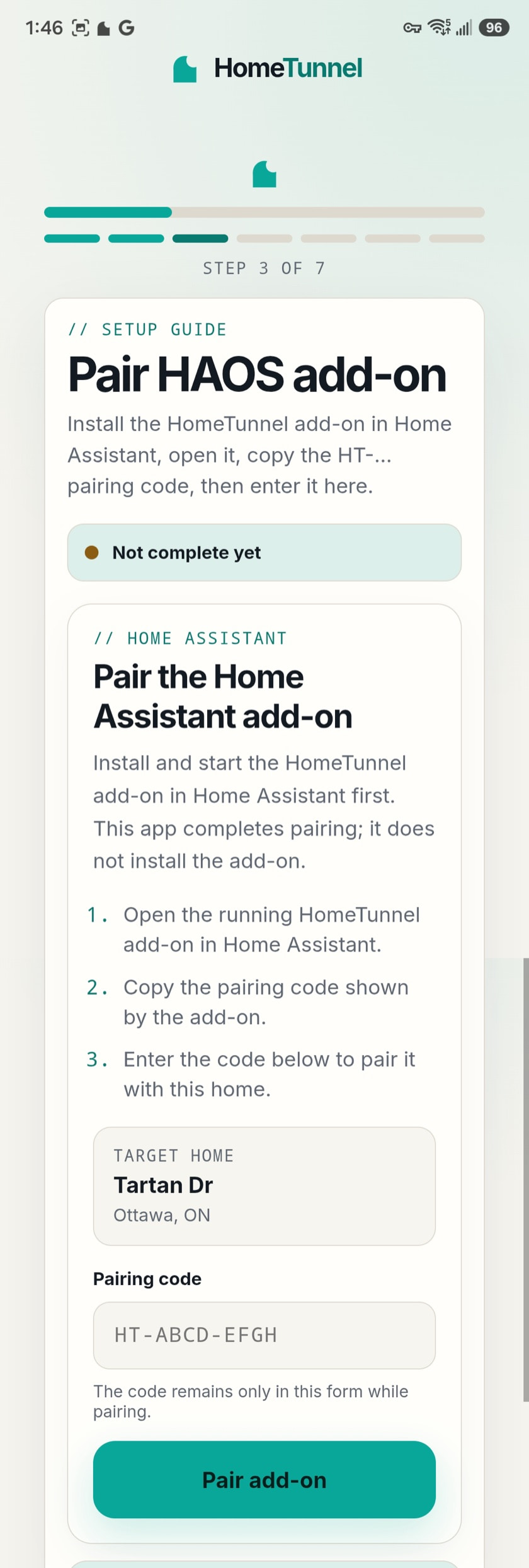
Create a separate HomeTunnel home for each property, pair its Home Assistant add-on, and enroll your client device in the home you want to reach. The multi-instance setup walkthrough covers the steps and links to the detailed instructions.
Each client connects to one home at a time. Switch its active home before opening another instance; connections use WireGuard with an end-to-end encrypted relay fallback when a direct path is unavailable.
Yes. The Companion app supports adding additional Home Assistant servers. Each server keeps its own Home Assistant login and needs a reachable connection.
Saving or selecting a server in Companion does not switch your HomeTunnel connection. Connect to the matching home in HomeTunnel before opening its saved server.
No. A HomeTunnel client device belongs to one home at a time. Switching removes its access to the previous home and gives it the new home's routes; no cross-home routes are provisioned.
The account can manage several homes, but that does not give one client simultaneous connectivity to all of them or combine their Home Assistant dashboards.
If you mean separate Home Assistant servers at different properties, create a HomeTunnel home for each property. Each home includes one Home Assistant routing device running the HomeTunnel add-on, and a client switches between homes to reach their instances.
If you mean other IoT devices, each home can also publish up to three custom routes. Each route reaches one IPv4 device on one TCP port; it does not provide another Home Assistant routing device or general LAN access.
The Family plan covers up to 3 homes at $9 USD/month or $90 USD/year. The Manager plan covers up to 5 homes at $14 USD/month or $140 USD/year.
Each home includes one Home Assistant device, up to three custom IoT routes, and unlimited client devices. Monthly billing starts with a 14-day free trial; a payment card is required and the trial is limited to one per account.
Yes. The Portal creates separate NetBird groups, access policies, routes, and route distribution for each home and owner, and does not provision cross-home routes or shared network paths.
That isolation is also what lets two homes use identical private IP ranges without conflicting — a common situation when both routers ship defaulting to the same subnet.
Yes, as one of the homes on your account. The add-on runs on the Home Assistant OS or Supervised instance at their address and acts as that home's routing device.
Access is scoped rather than general: the Home Assistant host on TCP 8123, plus any custom routes that home publishes. There is no broad LAN access to the rest of their network.
Yes. A vacation home is set up the same way as any other home — pair the add-on once while you are there, and it stays paired to that home afterwards.
Email alerts can tell you when that home's device goes offline, recovers, is enrolled, or is moved, which is usually the point of having it on the account at all.
Yes. A client device belongs to one home at a time, and the app can switch which home it is connected to. The move is orchestrated server-side and fails closed, so the phone is never active in two homes at once.
After a switch the phone holds the new home's routes and its access to the previous home is removed.
No. For a single home, Home Assistant Cloud from Nabu Casa is the official turnkey option, it includes voice-assistant integrations, and subscriptions fund Home Assistant development.
HomeTunnel is built for the multi-home case: several properties on one account, isolated per-home networks, and narrowly scoped routes. The two are complementary rather than alternatives.
No. The add-on and your client devices make outbound connections, so no inbound port-forward rule, DNS record, or public IP is needed at any of the addresses.
That matters more as properties are added, because each additional address would otherwise mean another router you need admin access to — including ones you may not control.
Each guide takes one piece of the multi-home picture further.
The common ways to reach Home Assistant from outside the house, compared honestly.
Read the guide →WireGuard without broad LAN routing, and no peer configuration to maintain by hand.
Read the guide →Enroll a phone, connect over the tunnel, and switch which home it reaches.
Read the guide →Host-only routes for an NVR, NAS, camera interface or printer — one TCP port each.
Read the guide →Outbound connectivity, NAT traversal and CGNAT — with no inbound router rule.
Read the guide →Start with a 14-day free trial on monthly billing. Cancel anytime · no lock-in
Start your trialSecure sign-in and account creation powered by Microsoft Entra. Opens in a new tab.